Private beta
Use your PC without leaving SteamVR.
Veil puts your monitors and windows in VR. Click them with your controller, type on a floating keyboard, and check the time and your batteries on your wrist.
For Windows 10 or 11 with SteamVR.
A panel on your wrist
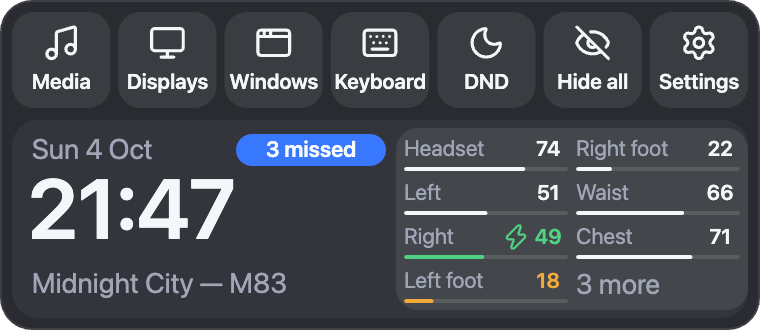
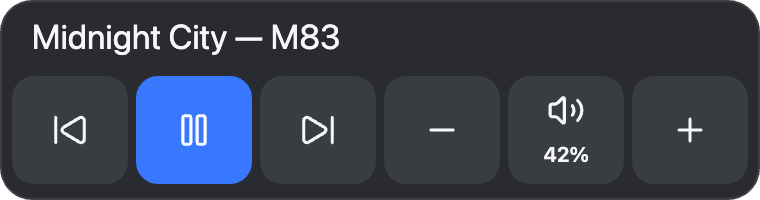
Turn your wrist toward your face and a small panel opens. It shows the time, what's playing, and the battery level of each controller and tracker. Buttons on it open your screens, windows and keyboard. It closes when you look away.
A keyboard in VR
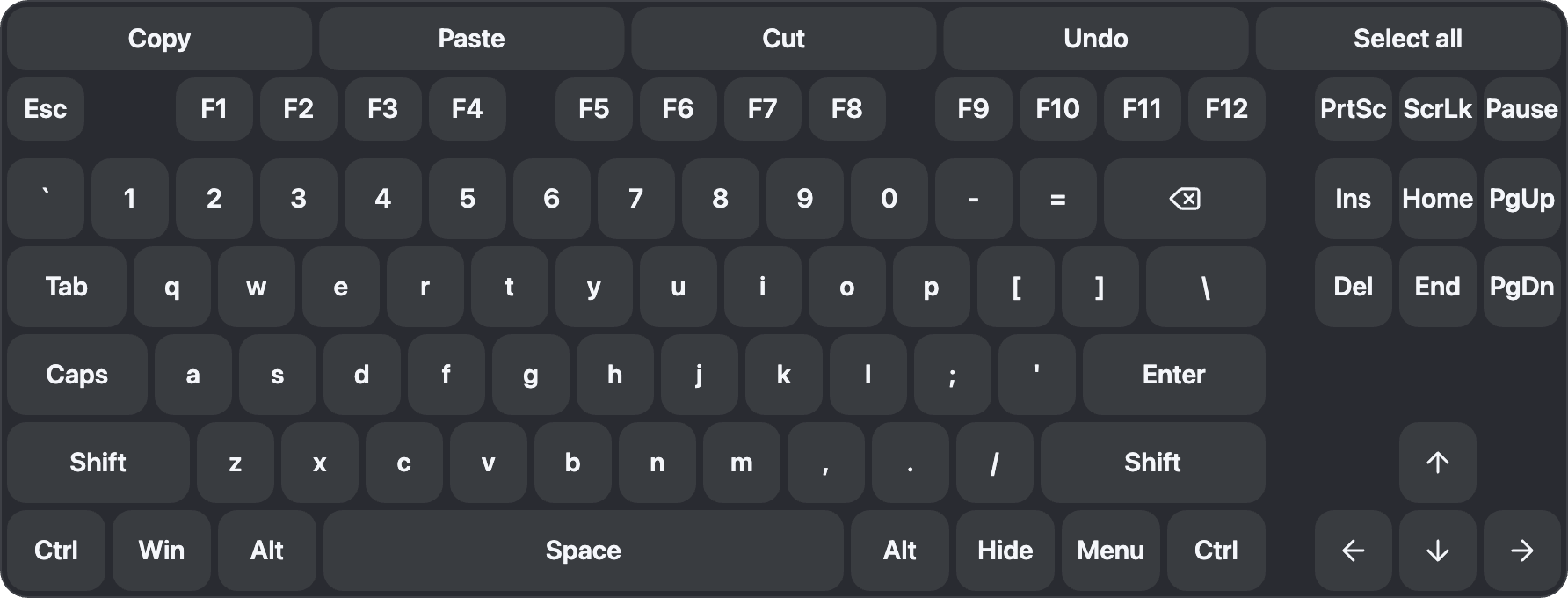
A keyboard floats in front of you. Swipe across the letters to type a word, like on a phone, and pick from the suggestions. It comes in several layouts, has a row for your own shortcut buttons, and can play typing sounds.

Notifications
Messages from your PC show up in front of you and fade after a few seconds. Do not disturb turns them off. Apps that already send notifications to VR work with Veil.
Shortcut buttons
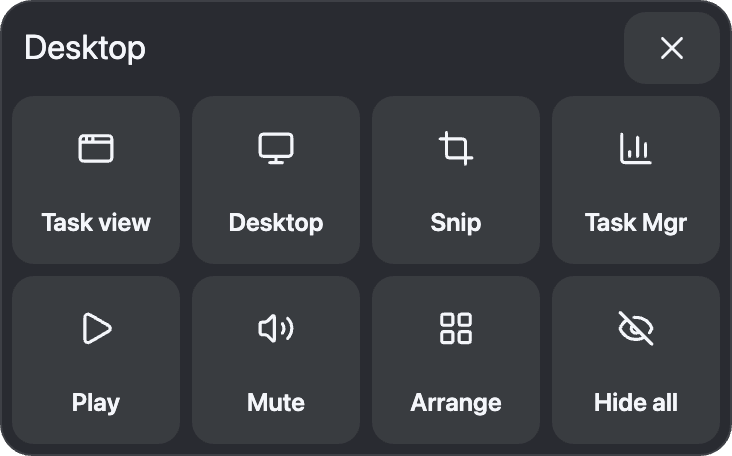
Make a board of large buttons that open an app, type a phrase or press a key combination.

Put windows where you want them
Place any monitor or window anywhere around you. Grab it to move or resize it, bend it, fade it, or lock it in place. Windows snap to each other, one gesture hides everything, and you can save a layout to load later.
Also included
- Controller mouse Left, right and middle click, drag and scroll with your controller.
- Controller support Index, Touch, Vive and Windows Mixed Reality controllers.
- VRChat Sends your controller and tracker battery levels to your avatar.
- Discord status Shows "In VR with Veil" and the game you're in.
- Low idle use Veil does very little while you aren't using it.
Join the beta
Veil is in private beta. We share the installer in our Discord, and that's where we collect feedback. We want to hear how it feels in your headset: how comfortable it is, how readable the text is, and where things end up. Bug reports and missing features are welcome too.
- Windows 10 (version 1903 or later) or Windows 11
- SteamVR, started at least once
- Windows may say the publisher is unknown, because the installer isn't signed yet.